Own Identity
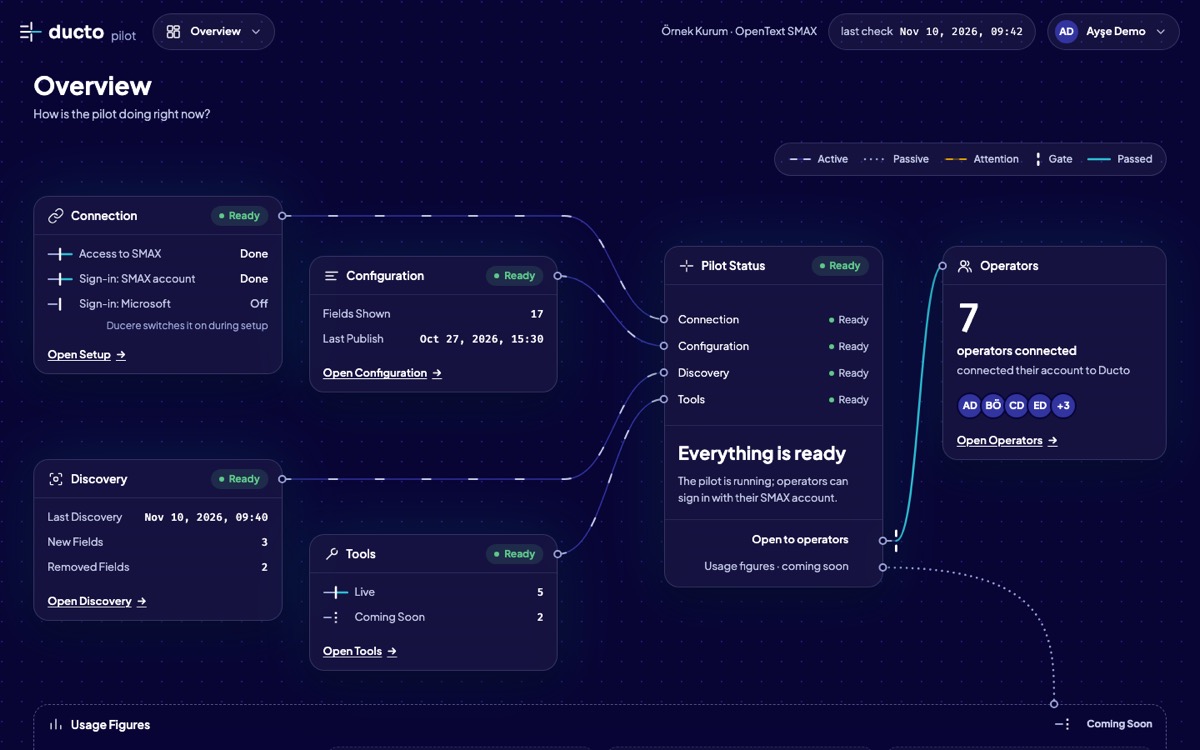
Every operator connects to SMAX with their own account. Every action an operator takes through the AI runs with their own SMAX permissions.

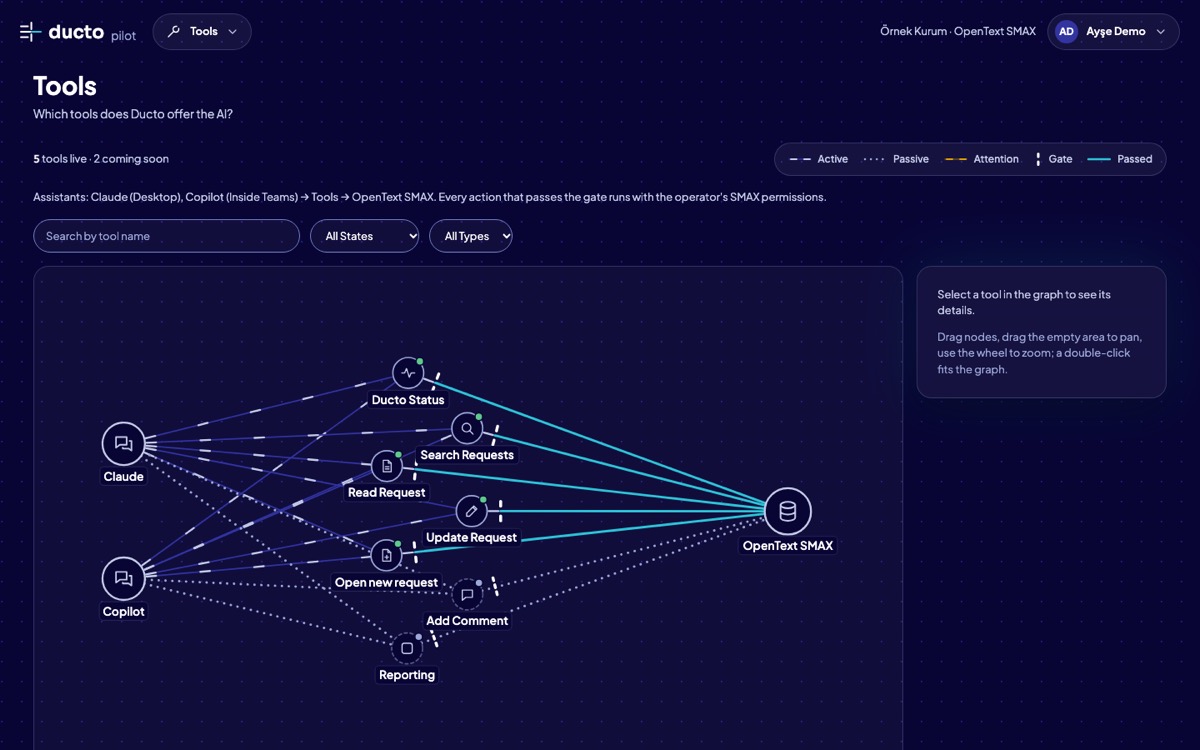
The name comes from “duct”: a channel. Ducto connects your AI assistant to your enterprise applications; the first one is OpenText SMAX.
Your AI client talks only to Ducto. Ducto goes to the application with your own account and shows the AI only the fields your admin approved.
Every operator connects to SMAX with their own account. Every action an operator takes through the AI runs with their own SMAX permissions.
Ducto first shows a summary of the change. Nothing is written to SMAX until you confirm.
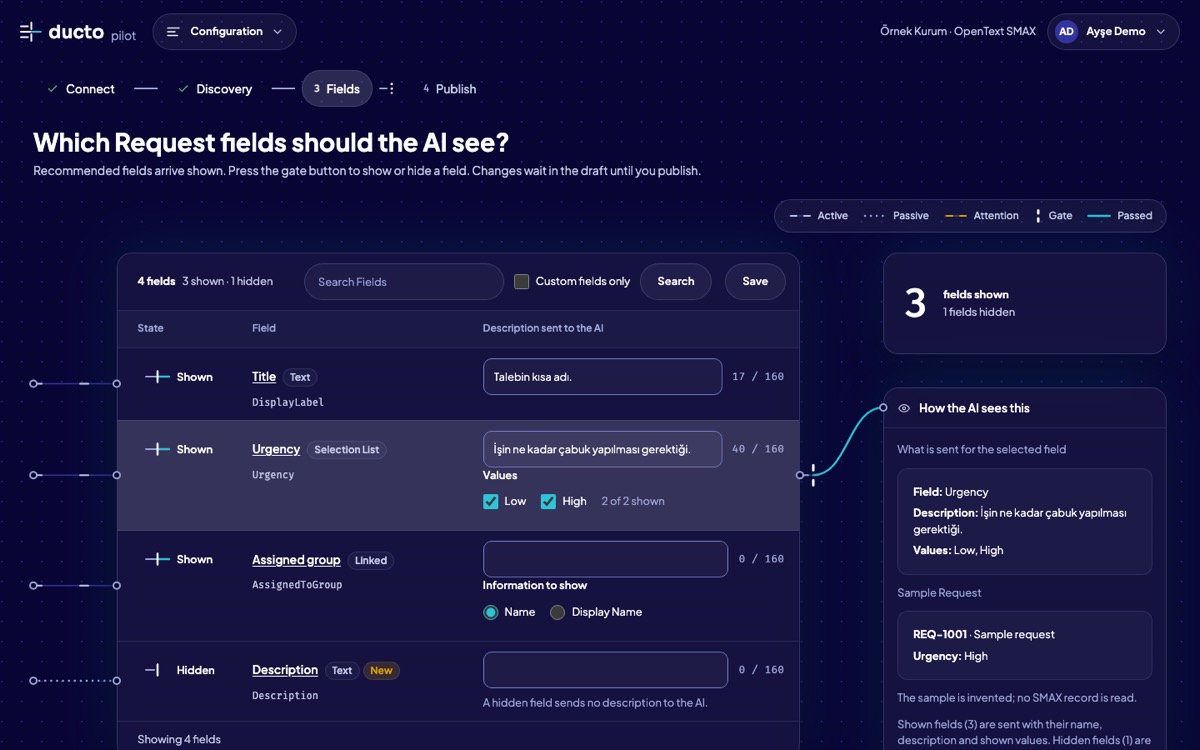
An admin decides which fields the AI sees. Hidden fields and values never reach the AI.
Requests and comments stay in SMAX. Ducto keeps only its own settings, a short list of who connected, and an encrypted read-only discovery account.
Ducto speaks the open MCP (Model Context Protocol) standard. It isn't tied to one AI model or client.
Ask in your own words, Turkish included. Ducto finds the right record and sums it up briefly.
One integrated package that brings Ducto together with an AI running inside your organization: AI comes to your organization with a small hardware investment.
The console screens and the Teams example use invented data.